
Modern smartphones, tablets, and computers have become essential tools in our daily lives. We use them for communication, online learning, business operations, entertainment, content creation, banking, and much more. Because of this heavy dependency, even a small drop in performance can affect productivity and user experience.
However, most users assume that slow performance means their device is outdated. In reality, the majority of performance issues come from poor optimization, unused system settings, background processes, and lack of maintenance rather than hardware limitations.
This guide explains in detail how you can unlock the full potential of your device by improving speed, battery life, storage efficiency, security, and overall system performance using practical and proven methods that work across Android, iOS, Windows, and Mac devices.
Devices Covered in This Guide
This optimization guide is designed for a wide range of modern devices and operating systems, including:
- Android smartphones and tablets
- iPhones and iPads (iOS devices)
- Windows laptops and desktop computers
- MacBook and iMac systems
Each of these platforms has different optimization settings, but the core principles of improving performance remain the same. Whether you are a student, professional, gamer, or casual user, these techniques will help you get more speed and efficiency from your device.
Why Device Optimization Matters
Device optimization is not just about improving speed; it is about maintaining long-term performance stability and ensuring that your device runs efficiently over time.
When devices are not maintained properly, users often experience lag, app crashes, slow startup times, and reduced battery backup. These issues gradually affect productivity and user satisfaction.
Key benefits of optimization include:
- Faster system responsiveness and smoother multitasking
- Improved battery efficiency and longer usage time
- Better storage management and reduced clutter
- Stronger security and reduced risk of malware or breaches
- Enhanced overall user experience
- Increased lifespan of the device without hardware upgrades
By applying regular optimization practices, users can significantly extend the usability of their devices and avoid unnecessary upgrades.
Why Most Devices Slow Down Over Time
Even high-performance devices gradually slow down due to a combination of software and usage-related factors. Understanding these causes is essential for effective optimization.
The most common reasons include:
- Accumulation of background applications consuming RAM
- Outdated operating systems and missing security patches
- Excess cached data stored by apps and browsers
- Limited storage space affecting system performance
- Poor battery health and inefficient power usage
- Installation of unnecessary or low-quality applications
Over time, these issues build up and create performance bottlenecks that affect the entire system. The good news is that most of these problems can be fixed without technical expertise.
Improve Performance with Regular Maintenance
Keep Your Software Updated
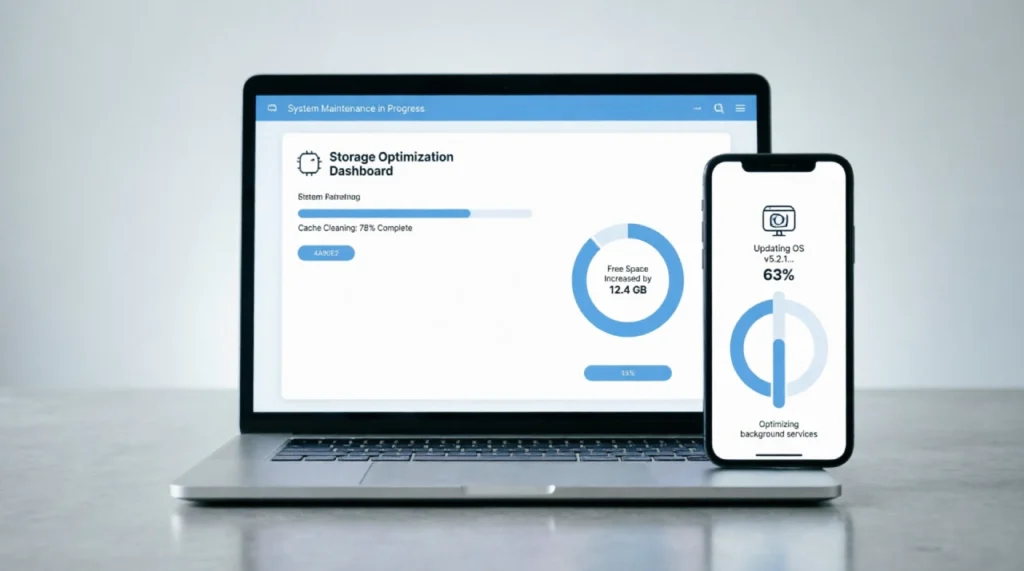
Software updates are one of the most important yet ignored aspects of device optimization. Updates are not only about new features; they also include performance improvements, bug fixes, and security enhancements that help your device run more efficiently.
Enabling automatic updates ensures that your operating system and applications remain optimized without requiring manual intervention.
Remove Unnecessary Applications
Most users install apps for temporary use and forget to remove them later. These unused applications continue to occupy storage space and sometimes run background services that slow down performance.
Regularly reviewing installed apps and uninstalling those that are no longer needed helps free up memory, improve speed, and reduce system load.
If you are unsure which applications are useful, our guide to finding the perfect apps for your needs can help you make better decisions.
Clear Cache and Temporary Files
Cache files are created to improve loading speed, but when they accumulate excessively, they can slow down your device instead of improving performance.
Clearing cache periodically helps remove unnecessary data and refresh system performance. Most devices provide built-in storage optimization tools that make this process simple and effective.
Maximize Battery Life
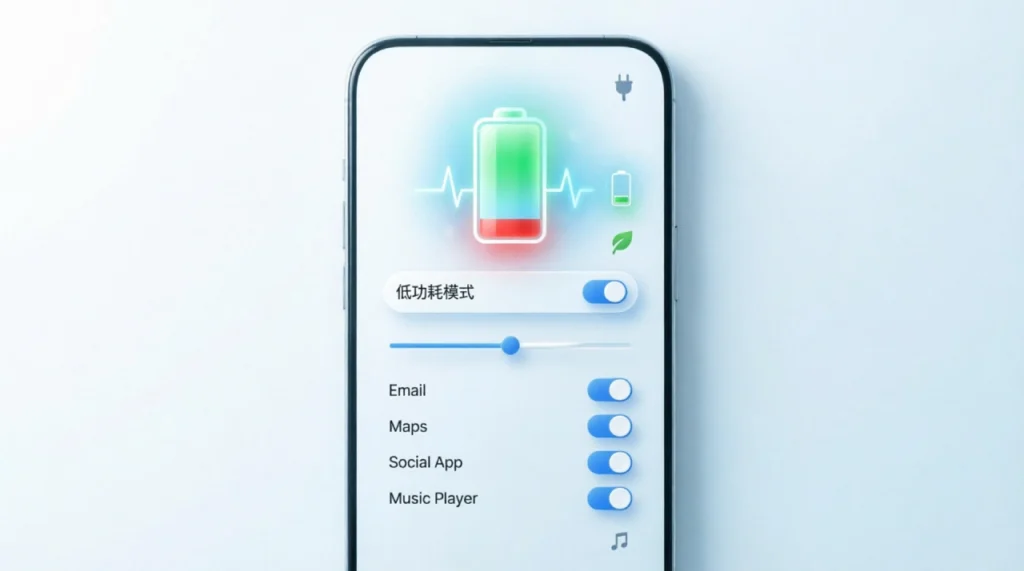
Battery performance is one of the most important aspects of mobile and portable devices. Poor battery management can significantly reduce usability.
Adjust Screen Brightness
The display consumes a large portion of battery power. Reducing brightness or enabling adaptive brightness based on ambient light conditions can significantly extend battery life without affecting usability.
Manage Background Activity
Many applications continue to run processes in the background even when they are not actively in use. These background activities consume both battery and memory resources.
Restricting unnecessary background activity improves performance and extends battery duration throughout the day.
Enable Power Saving Features
Modern devices come with built-in power-saving modes designed to optimize performance when battery levels are low. These modes reduce background processes, limit animations, and adjust system performance to conserve energy efficiently.
Using these features strategically can make a noticeable difference in battery backup.
Enhance Security and Privacy
Device security is just as important as performance optimization. A well-optimized device should also be secure and protected from unauthorized access.
Use Strong Authentication
Strong passwords, biometric authentication such as fingerprint scanning, and facial recognition add multiple layers of protection to your device and personal data.
Enable Two-Factor Authentication
Two-factor authentication provides an additional security layer by requiring a second verification step. This significantly reduces the risk of account breaches even if passwords are compromised.
Review App Permissions
Many applications request access to features such as camera, microphone, contacts, and location. Regularly reviewing these permissions ensures that apps only access what is necessary, improving privacy and system control.
Optimize Storage Management

Storage optimization plays a crucial role in maintaining device speed and responsiveness.
Utilize Cloud Storage
Cloud storage allows users to store files online instead of occupying local storage. This not only frees up space but also provides automatic backup protection for important data.
Organize Files Efficiently
A disorganized file system leads to confusion and wasted storage. Creating proper folders, deleting duplicates, and categorizing files improves both usability and performance.
Archive Old Data
Files that are rarely accessed should be moved to external drives or cloud storage. This helps maintain free space on your main device, improving system speed and responsiveness.
Boost Productivity with Built-In Features
Modern devices come with advanced tools that can significantly improve productivity when used effectively.
Use Digital Assistants
Voice assistants can help perform daily tasks such as setting reminders, sending messages, making calls, and searching for information quickly.
Explore Automation Tools
Automation features allow users to perform repetitive tasks automatically. This reduces manual effort and improves workflow efficiency.
Take Advantage of Multitasking Features
Split-screen modes, task switching, and multiple desktop environments allow users to handle several tasks simultaneously, improving productivity for work and study purposes.
Improve Connectivity and Network Performance
Optimize Wi-Fi Settings
A stable internet connection is essential for modern device usage. Positioning your device closer to the router and reducing interference can improve speed and stability.
Manage Data Usage
Monitoring data consumption helps users avoid unexpected usage spikes and ensures better control over network resources.
Use Secure Networks
Public Wi-Fi networks can pose security risks. Using trusted networks or VPN services helps protect personal data and ensures safer browsing.
Personalize Your Device Experience
Customize Home Screens
Organizing apps, widgets, and shortcuts improves navigation speed and makes frequently used features easily accessible.
Configure Notifications
Excessive notifications can be distracting. Managing notification settings ensures that only important alerts appear, improving focus and productivity.
Explore Accessibility Features
Accessibility tools such as voice control, screen readers, and text scaling are designed to improve usability for all users and can significantly enhance convenience.
Common Mistakes That Reduce Performance
Many users unintentionally reduce device performance due to poor habits such as:
- Ignoring system updates
- Installing unnecessary applications
- Filling storage completely
- Using weak security settings
- Not clearing cache regularly
- Disabling optimization features
Avoiding these mistakes can dramatically improve both performance and device lifespan.
Conclusion
Unlocking the full potential of your device is not about purchasing new hardware but about using smart optimization strategies. Regular maintenance, proper storage management, strong security practices, and efficient use of built-in features can significantly improve overall performance.
By applying these techniques consistently, users can enjoy faster speed, better battery life, improved security, and a smoother digital experience across all devices. Whether for personal, educational, or professional use, a well-optimized device ensures maximum productivity and long-term satisfaction.